This self-help section is for people that have successfully gone through the Wabbajack installation without any issues and can open Mod Organizer 2. That mean it is primarily for launch issues and beyond. These are essentially the same questions I ask you if you ask for my help in my Discord. If the answer is NO to the following question, then simply scroll down to the next question.
If you want a TLDR of this, you can refer to this page, which lists a dozen or so common issues that people have. Otherwise, I recommend most people just use this.
Do you get a popup like this when launching your game?
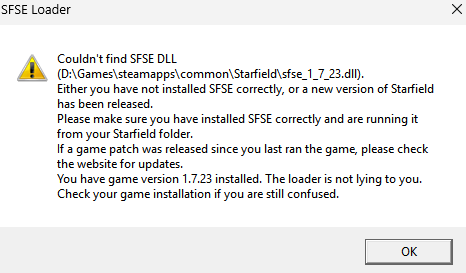
If YES, then please click here.
Does your Starfield crash as soon as you launch it?
If YES, then please click here.
Is your Starfield stuck minimized?
If YES, then please follow these steps:
1. Open Task Manager.
2. Under process, expand Starfield.
3. Right click the Starfield subprocess and then select maximize.
If that doesn’t work:
1. Open your Nvidia Controll Panel on the Desktop, go to 3d settings and then to Program Settings.
2. Search for Starfield in the first tab, if its not there, add it.
3. While Starfield is selected go to tab 2 and search for Vsync and deactivate it.
4. Try to start the game again.
5. If game still doesn’t maximize, try turning off Steam Overlay
If that doesn’t work:
1. Go to C:\Users\USERNAME\Documents\My Games\Starfield\StarfieldPrefs.ini
2. Input this under Display:
[Display]
bBorderless=0
iLocation Y=0
iLocation X=0
Are none of the Star Wars stuff working? Game just looks vanilla with no aliens, invisible armor, no overhauled cities, etc.
If YES, then you forgot to run GENESIS_DOCUMENTS.bat you doofus. If you distinctly remember doing so, then I apologize for calling you a doofus. Click here.
Do your ingame textures look weird? Stuff like this:
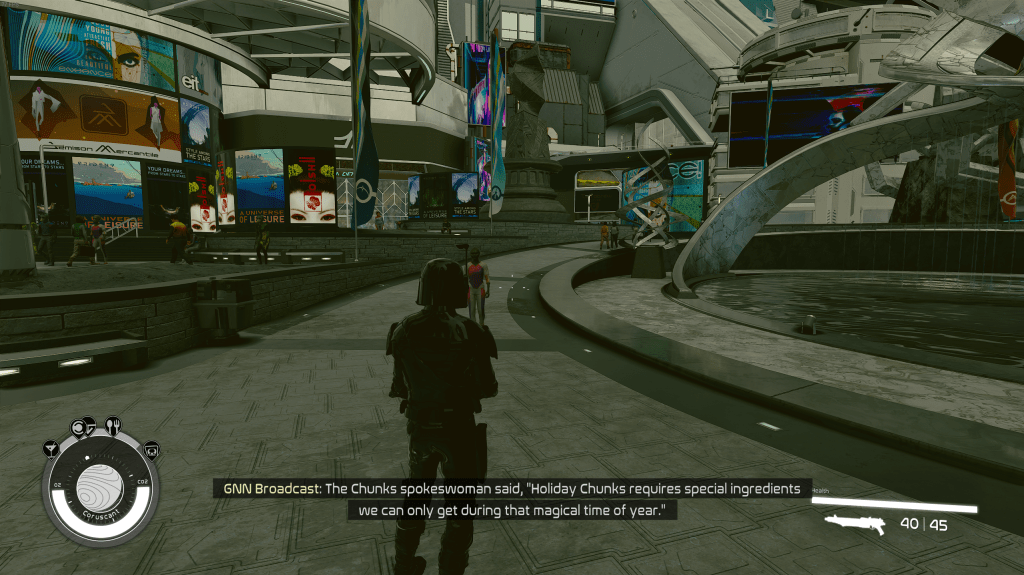
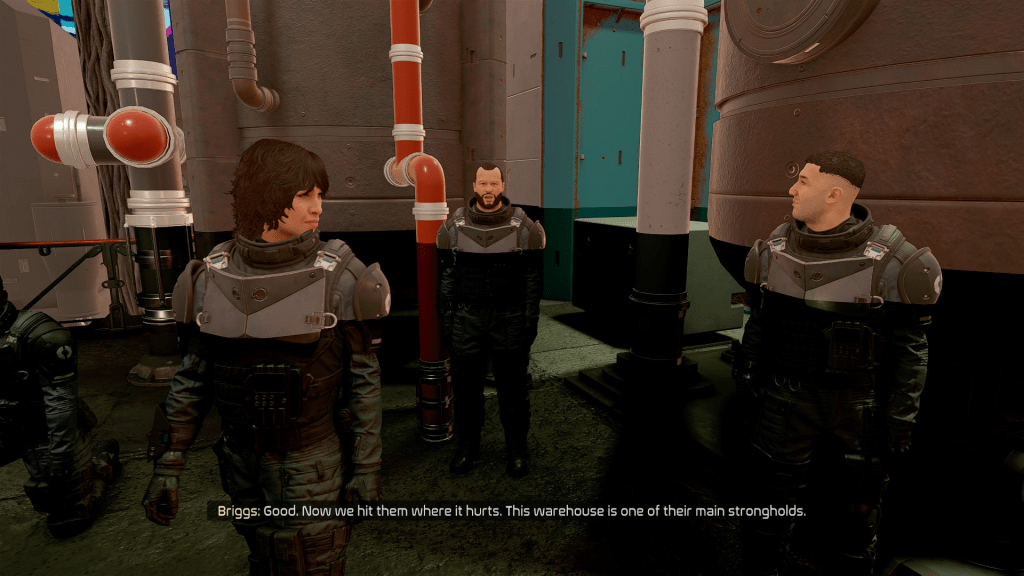
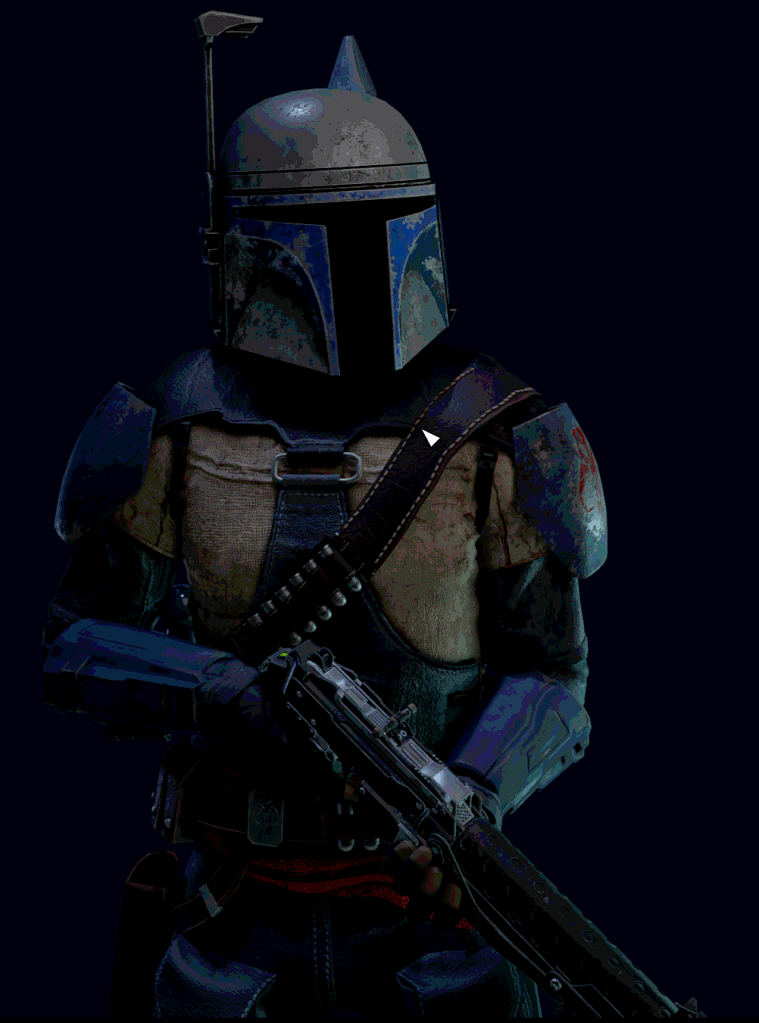
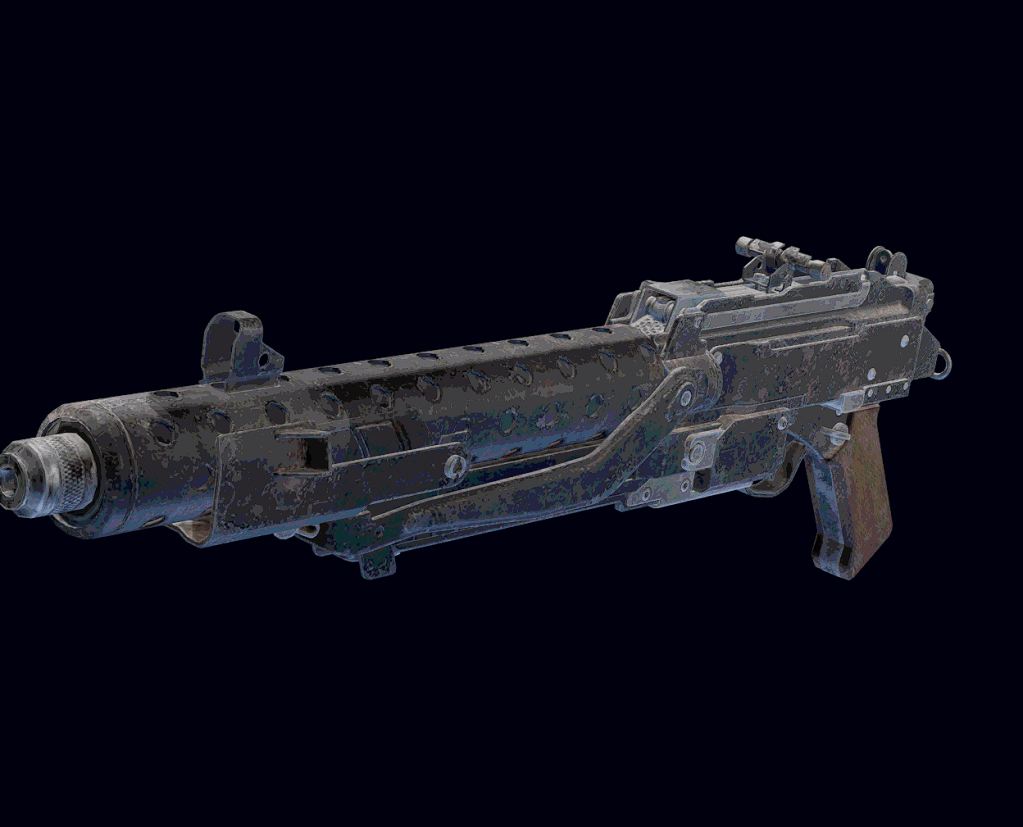
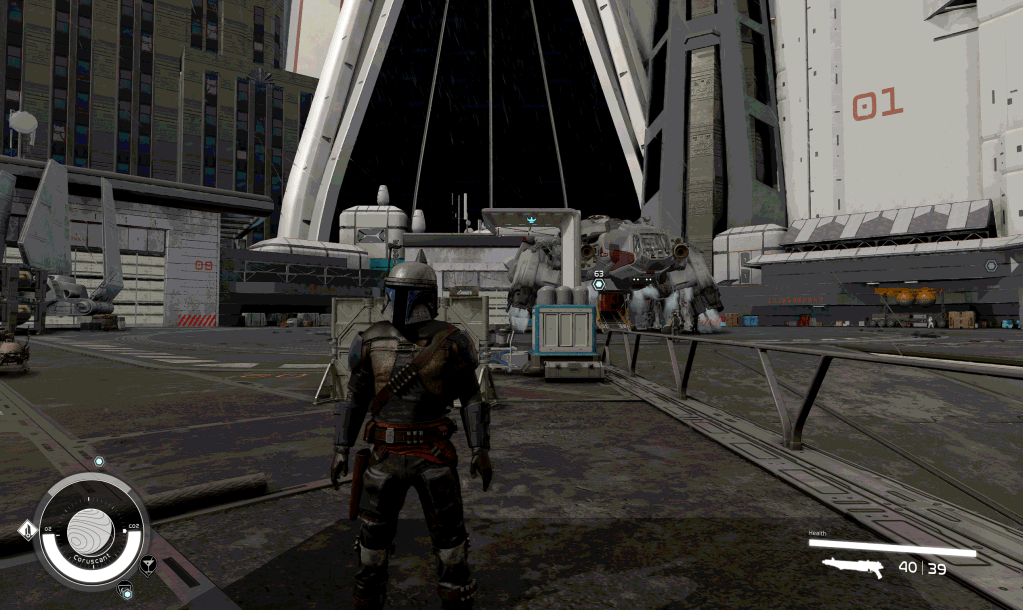
If YES, then please follow these steps:
- Re-run GENESIS_DOCUMENTS.bat
- Restart your PC after.
- If that doesn’t work, then please manually delete your GPU cache found at
C:\Users\ My Name\AppData\LocalLow\NVIDIA\PerDriverVersion\DXCacheand try again. - If that doesn’t work, delete the Data folder in \steamapps\common\Starfield and repair the game through Steam
Are you having an ingame issue?
Refer to the Ingame Issues section of the website.
Are you having another issue?
Join the Discord over at https://discord.gg/qBW7fbxTHN
 Star Wars Genesis
