Turning Off Automatic Updates in Steam
Thank you for actually doing this! So many people ignore it and come crying when a new update happens.
- You can turn off Automatic Updates by going to your Steam Lbrary and finding Starfield
- Right click and go to Properties
- Under Automatic Updates, set it to Wait until I launch the game
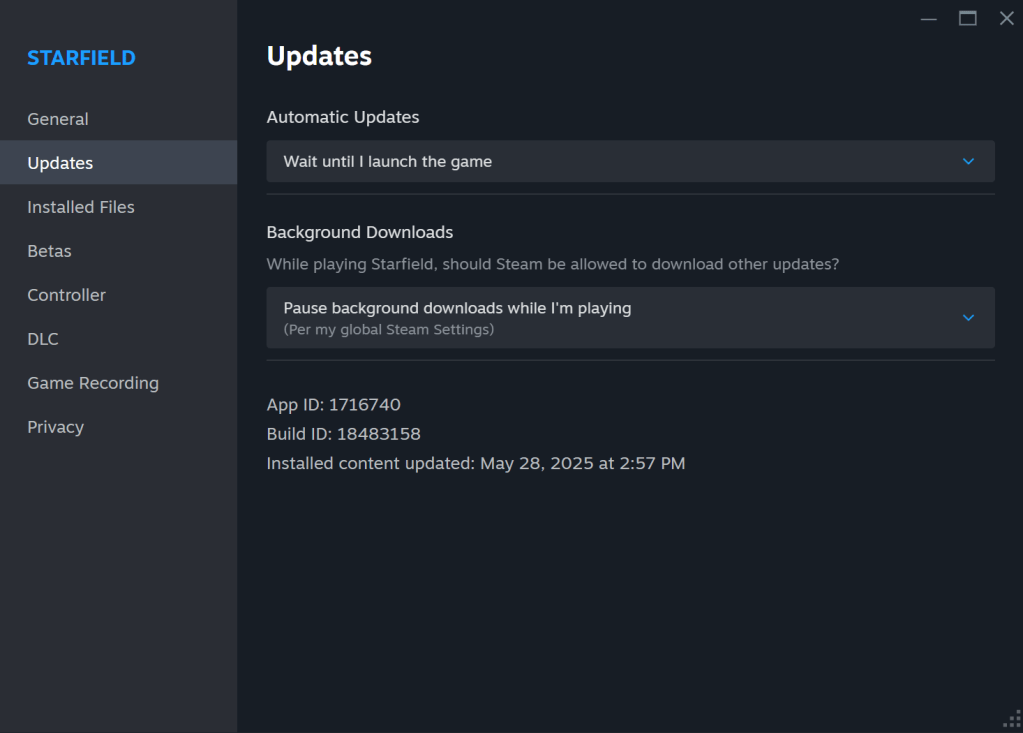
I know that doesn’t make much sense, but the way this works is that when you launch Star Wars Genesis through Mod Organizer, it doesn’t count as launching your game through Steam and therefore the game never updates.
And yes, that means you CANNOT launch Starfield through Steam when the update does happen. You also cannot repair your game.
 Star Wars Genesis