Missing Files After Installation
Just relax. This is one of the most common issues and is not your fault. All you have to do is repair your modlist using Wabbajack. This will only install stuff that is missing. Anything that you already installed won’t have to be reinstalled.
- Go to \Star Wars Genesis\Wabbajack and launch Wabbajack.exe
- Go to Browse Lists and then Install from Disk like you did before
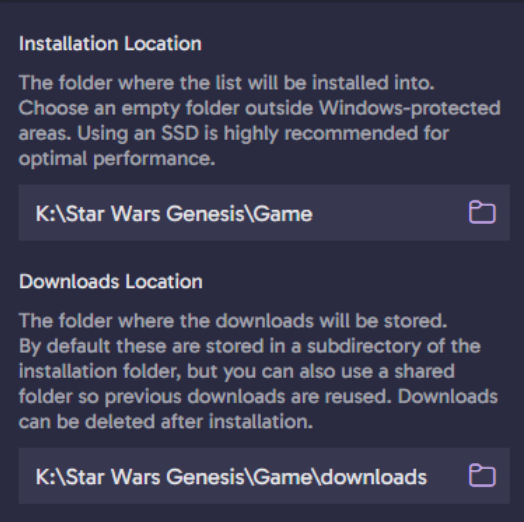
- Match the file path the same one you used when you originally installed:
If files are STILL missing the files after this, then it actually is your fault. An antivirus or security setting is causing issues. Please refer to this page.
 Star Wars Genesis