HD Overhaul Install

The HD Overhaul recommended for Star Wars Genesis is demanding but usable by most high-end PC’s, assuming your GPU VRAM meets these general requirements:
- 10 GB for 1080p
- 12 GB for 1440p
- 16 GB for Ultrawide
- 24 GB+ for 4K
It covers thousands of textures across the Galaxy as well as Hair, Beards, Skin, Eyes, and Eyelashes on all NPCs. The total size is a little more than 100 GB.

- If you have never used Mod Organizer 2 before to install mods, then please read this short guide on it. If you ask a question in the discord that’s clearly answered in this guide, then I’m just going to link this guide to you anyway.
- You MUST download all these mods manually. Do not select the Mod Manager Download option. Manually Download parts 1-17. Ignore any other additional parts, patches, esms, and ini files.
- Once complete, put all the archives (don’t unzip them) into your Star Wars Genesis\Game\Downloads folder. If done correctly, you should see them all pop up as downloaded on the right side of Mod Organizer 2 in the Downloads tab.
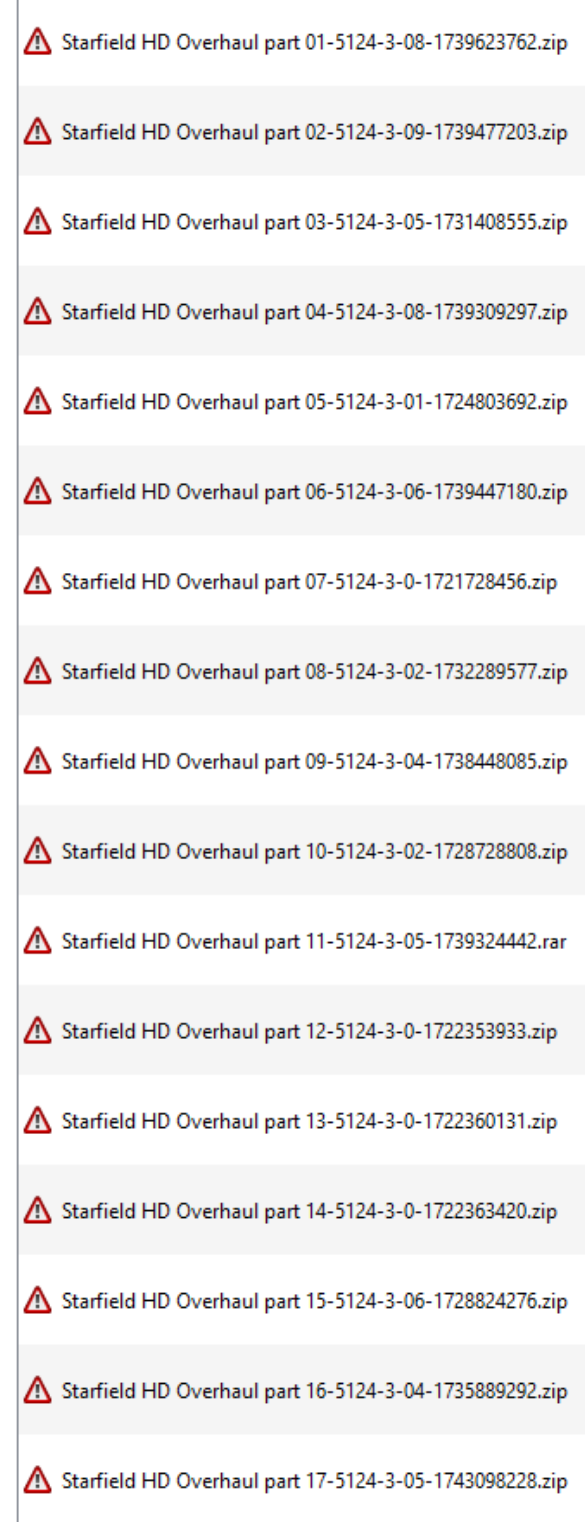
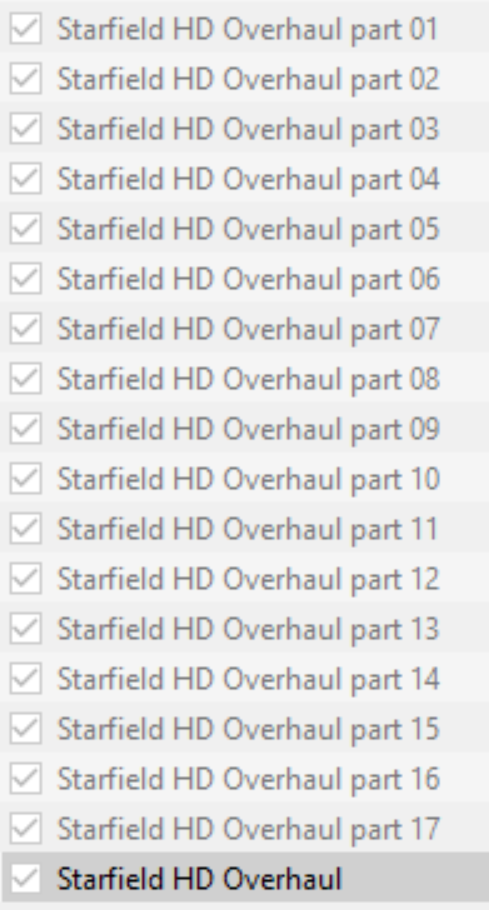
- Right click and select Install for each of them and name them accordingly (Part 1, Part 2, etc)
- If done correctly, this is what you should now see on the left-hand side of Mod Organizer at the bottom.
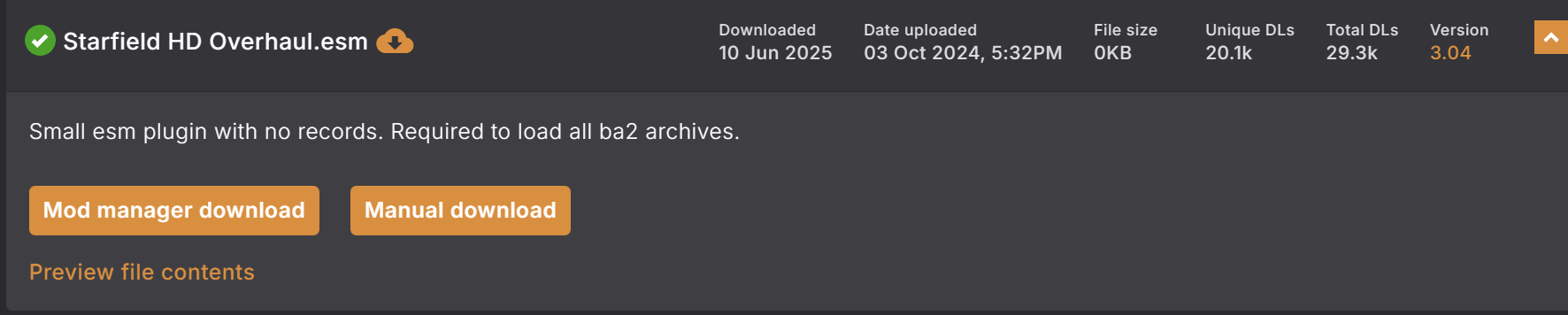
- Now click Mod Manager Download for Starfield HD Overhaul.esm near the bottom of that same NexusMods page and install it. You will get a pop-up saying no category was found. Just click Disable. Then name it Starfield HD Overhaul and checkmark it. If you are getting an error, make sure you follow steps 1-4 here to enable connection with Nexus.
- On the right side of Mod Organizer is your plugins tab. You should see a new plugin called Starfield HD.esm at the bottom. Right click it, then click Send To -> Top. You’re done!
- In Mod Organizer 2, scroll down all the way on the left-hand side until you reach the bottom and see the red Overwrite text. Double click it and proceed to highlight and delete everything inside it. If it is already empty, simply skip this step.
- You are now ready to play the game! If you encounter any issues launching the game, please refer to the Self Help page of the website.
- Whenever Genesis gets an update, HD Overhaul will be automatically removed unless you follow the steps here. Make sure you do it at a certain point.
 Star Wars Genesis